Whenever you need to select an image for some parameters, you can use the Media Browser window, which will help you to choose and manage all the images on the system.
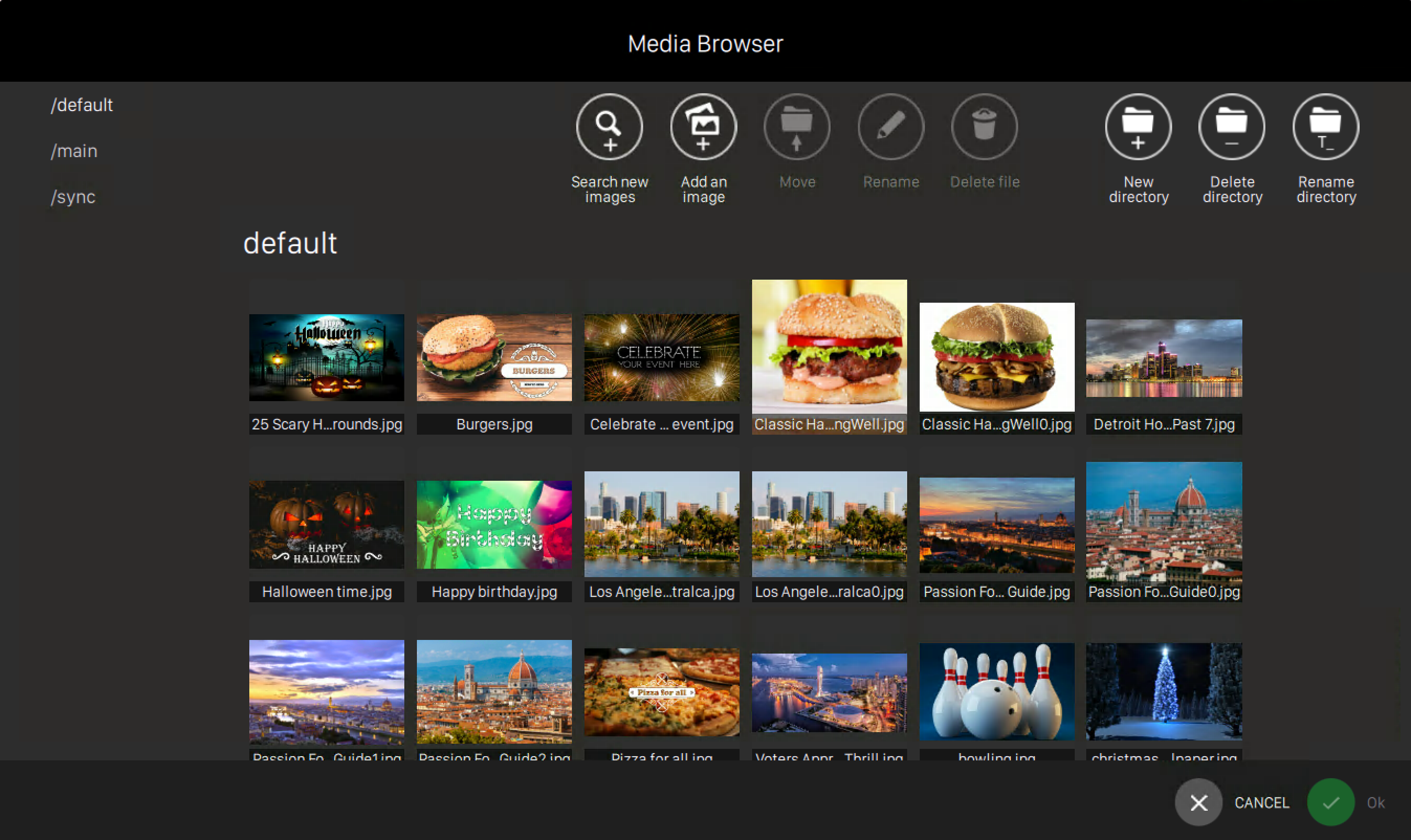
Images are organized in folders and you can see the list of existing folders on the left sidebar of the window. Click on any item of the list to view all the images contained on the selected folder. Each image is displayed on the center grid, where you can see the preview and the name.
If you click on any image, some additional actions will be displayed on the top bar of the window:
-
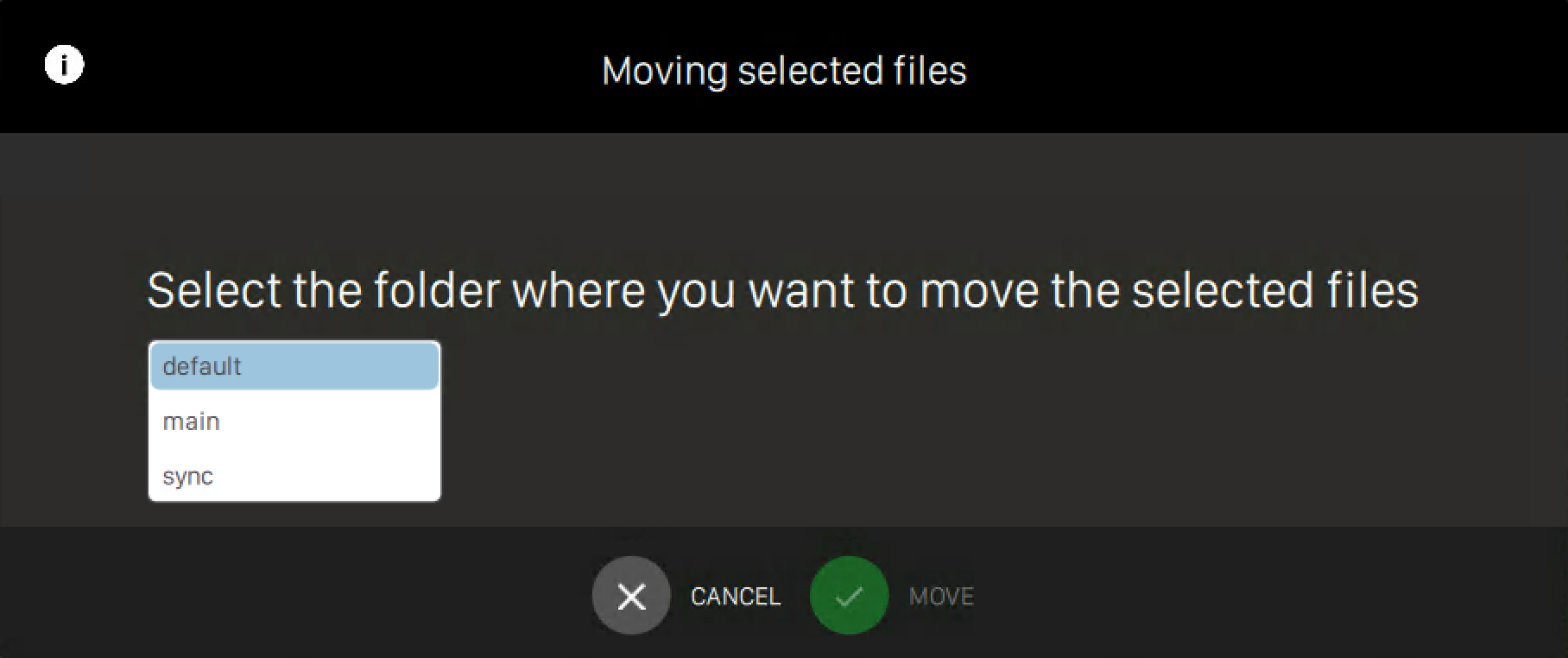
Move: move an existing image on a different folder. You will be asked to select the folder where you want to move the selected file(s)
-
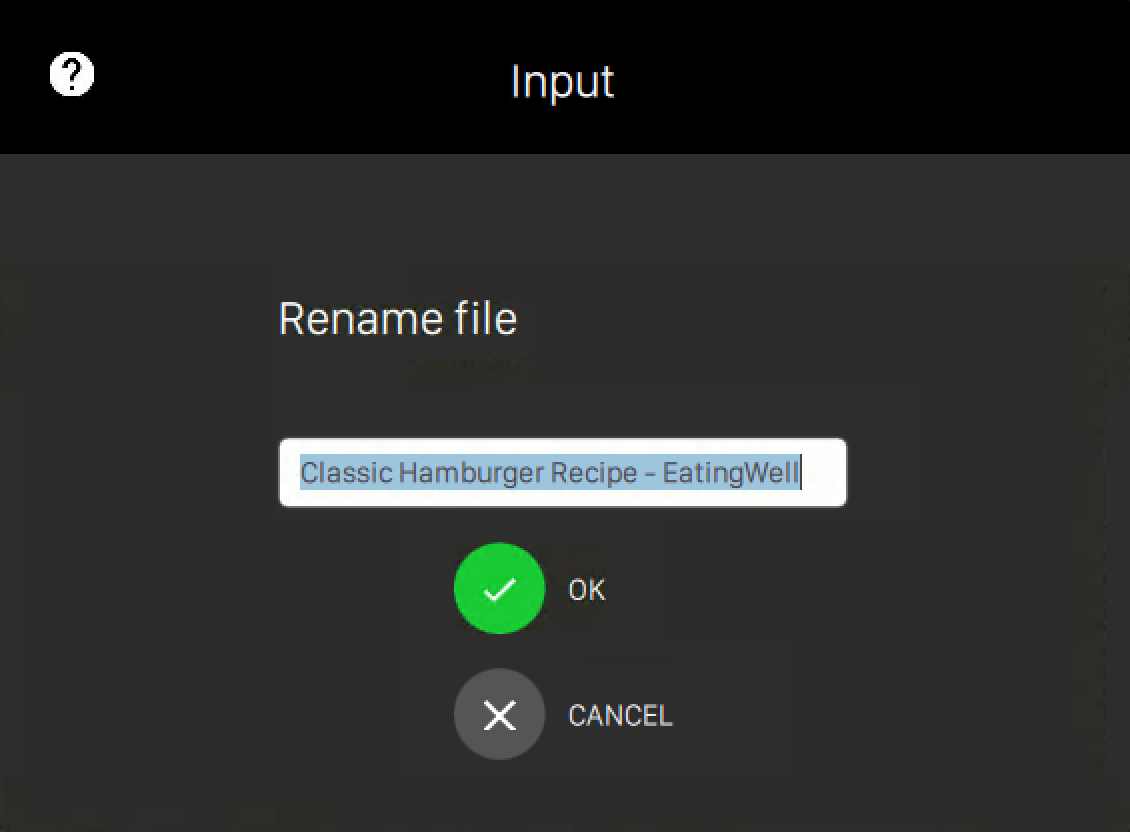
Rename the image. You will be asked to input the new name. This operation will change the filename directly on the file system
-
Delete file: remove the selected file from the file system
On the top right section of the window you can find some buttons to perform operations on folders:
-
New directory: allows you to create a new directory on the file system
-
Delete directory: removes the current directory. A warning pop-up will appear and you have to confirm that you want to perform this operation. Warning: if you a directory implicitly all its file will be removed from the file system
-
Rename directory: rename the current directory. You will be asked to type the new folder name
To upload a new image on the media browser you have two options:
-
Search new images: search images from the internet by entering some text. The search will be performed by using Microsoft Bing APIs
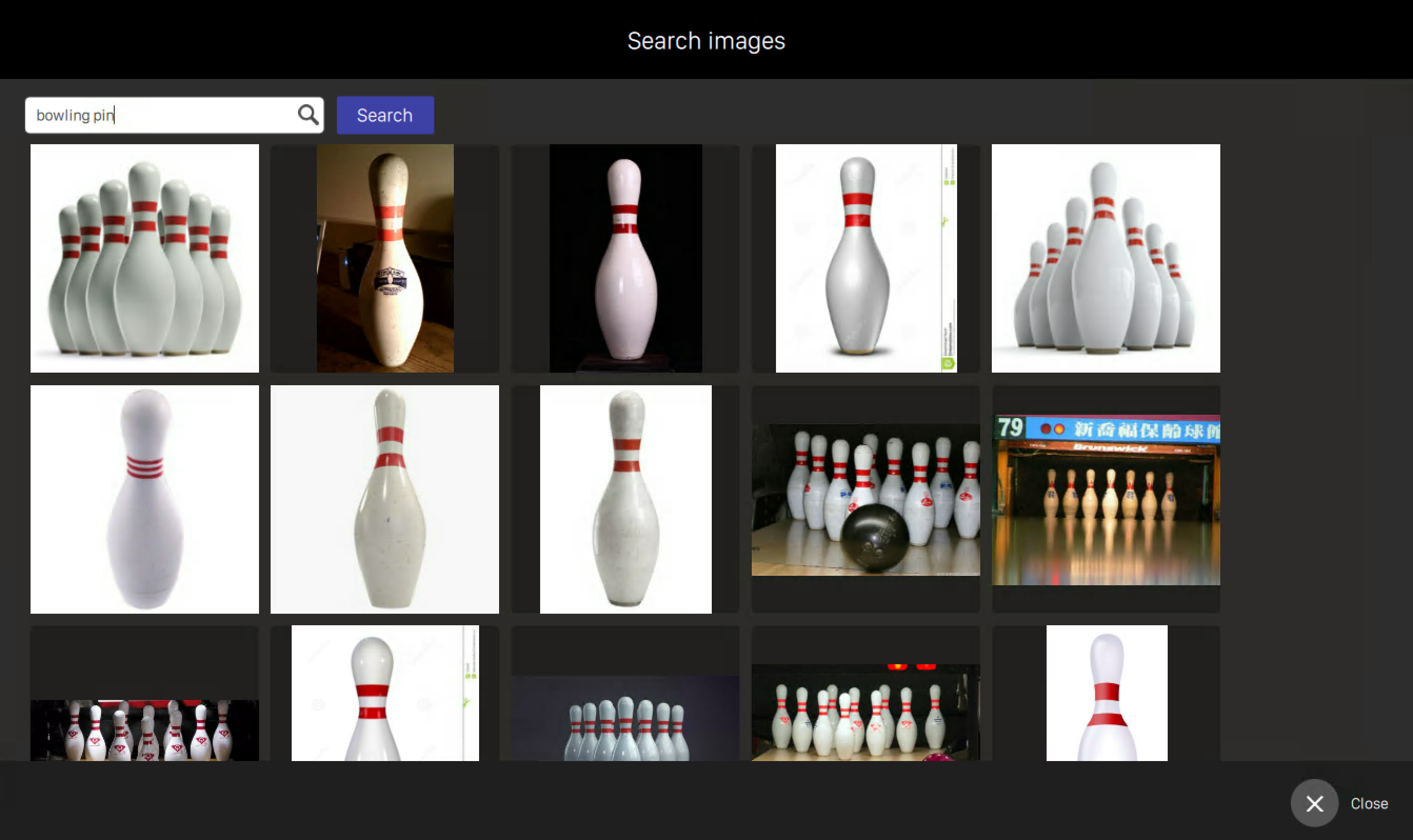
Select an image thumbnail to view the full size version on a new window
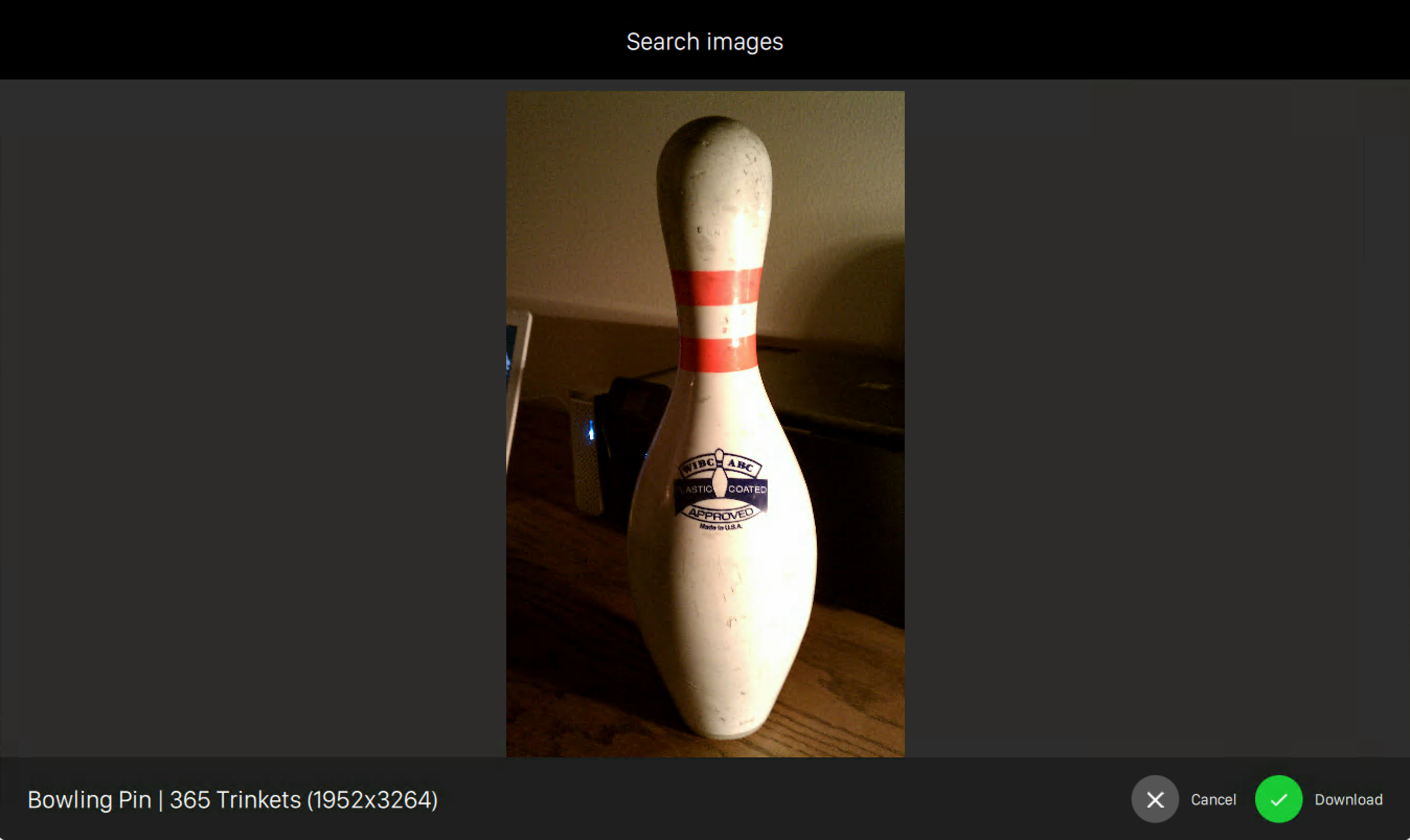
Click on Download button to add the selected image to the file system
-
Add an image: click this icon to select an image directly from your computer file system